NYC School Shop
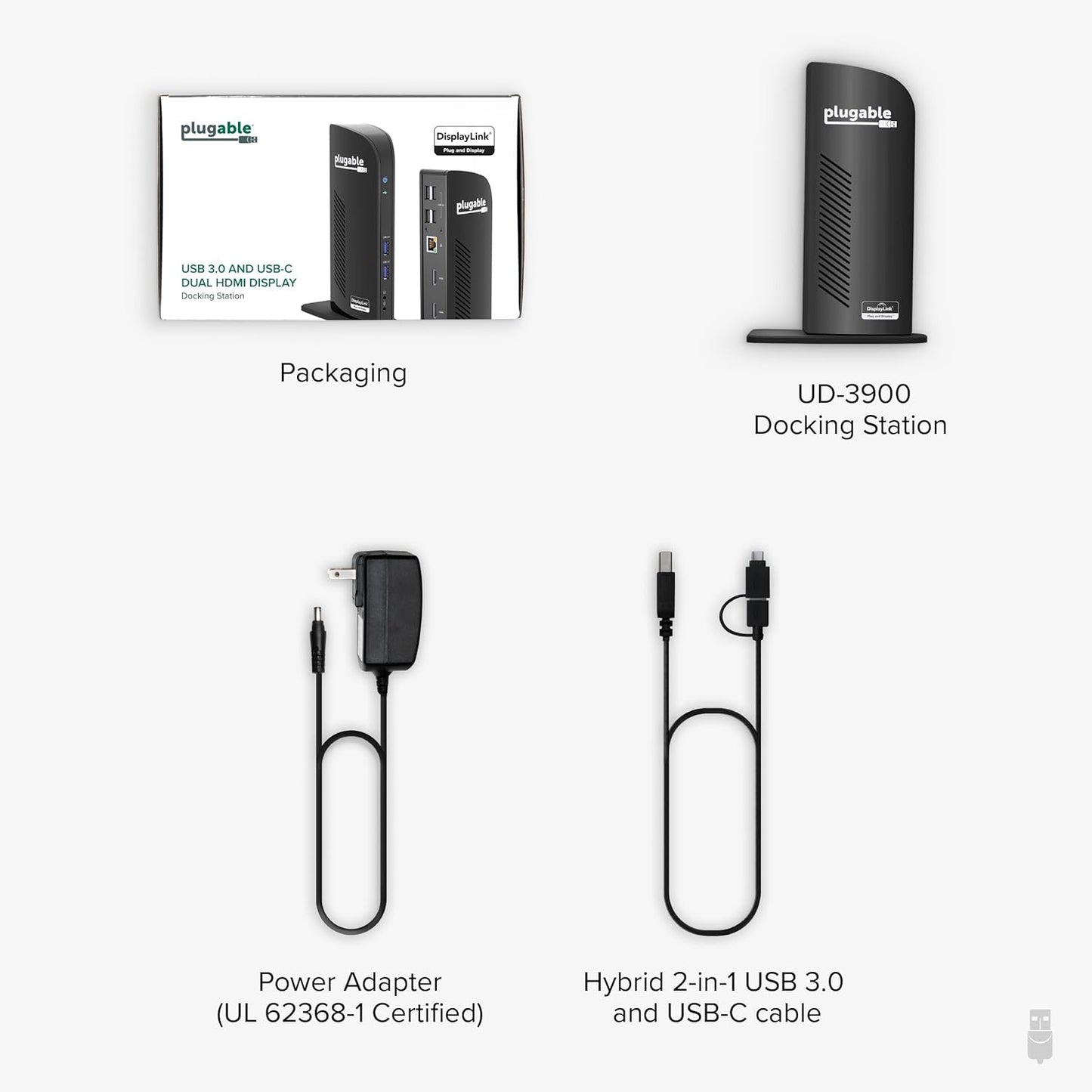
Plugable Universal Laptop Docking Station Dual HDMI Monitor for Windows and Mac (Driver Required), USB 3.0 or USB-C, 2X HDMI, Gigabit Ethernet, Audio, 6 USB Ports (UD-3900)
Plugable Universal Laptop Docking Station Dual HDMI Monitor for Windows and Mac (Driver Required), USB 3.0 or USB-C, 2X HDMI, Gigabit Ethernet, Audio, 6 USB Ports (UD-3900)
Regular price
$149.93 USD
Regular price
$149.93 USD
Sale price
$149.93 USD
Quantity
Couldn't load pickup availability


Plugable Docking Stations

UD-3900 |

UD-3900H |

UD-6950Z |

UD-ULTC4K |

TBT4-UDZ |
|
|---|---|---|---|---|---|
|
Customer Reviews
|
11,809
|
1,916
|
1,680
|
1,794
|
475
|
|
Price
|
$99.95 | $89.95 | $135.95 | $233.95 | $269.95 |
|
Maximum number of displays
|
2 | 2 | 2 | 3 | 4 |
|
Video Ports
|
2x HDMI | 1x HDMI 1.3, 1x DVI | 2x HDMI 2.0 or DisplayPort 1.2 | 3x HDMI 2.0 or DisplayPort 1.2 | 2x DisplayPort, 2x HDMI |
|
Max Resolutions Supported
|
2x 1920x1200 @ 60Hz | 2x 1920x1200 @ 60Hz | 2x 4K @ 60Hz | 3x 4K @ 60Hz | 4x 4K @ 60Hz (Windows only) |
|
# of USB Ports
|
6 | 6 | 6 | 5 | 7 |
|
USB Port Specifications
|
2x USB 3.0, 4x USB 2.0 | 2x USB 3.0, 4x USB 2.0 | 6x USB 3.0 | 1x USB-C, 4x USB 3.0 | 1x USB-C,1x USB 2.0,5x USB 3.0 |
|
Laptop Charging
|
No | No | No | Yes - 100W (96W Certified) | Yes - 100W (98W Certified) |
|
Laptop Connection
|
USB 3.0,USB4,USB-C,Thunderbolt | USB 3.0,USB4,USB-C,Thunderbolt | USB 3.0,USB4,USB-C,Thunderbolt | USB4, TB4/3, USB-C | USB4, TB4/3, USB-C |
- Flexible Expandability: Featuring a hybrid 2-in-1 USB 3.0 and USB-C cable, a single connection from a host PC to this USB dock provides: 2x HDMI video outputs, wired Gigabit Ethernet, 3.5 mm Headphone and Microphone jacks, 2x USB 3.0 ports, 4x USB 2.0 ports. TAA-compliant.
- Dual HD Monitors (Driver Required): Supports dual HDMI displays up to 1920x1200 @ 60Hz. A single HDMI display can reach 2560x1440 @ 50Hz. 4K not supported.
- Universal Compatibility: Windows 11, 10, 8.x and 7 with plug-and-play driver installation via Windows Update. For macOS 10.14 or later, a manual DisplayLink driver installation is required (instructions included), while ChromeOS 100 or later works without additional setup. Not compatible with Linux/Unix systems.
- For Best Results: Ideal for web and productivity software usage. Not recommended for gaming. Does not support some non-DisplayLink adapters, DisplayPort connections or HDCP protected content. This USB docking station does not charge the host laptop.
- 2-Year Coverage, Lifetime Support: Every Plugable product, including this docking station, is covered against defects for 2 years and comes with lifetime support. If you ever have questions, contact our North American-based team - even before purchase
| Brand | Plugable |
| Color | Black |
| Hardware Interface | USB 3.0, USB 3.0 Type B, USB Type C |
| Compatible Devices | Macbook Pro 13" / 14" / 15", 16", MacBook Air, MacBook Retina, MacBook M1 / M2 / M3 / M4 / M5 / Neo, HP Spectre x360 / Pavilion / Envy, Dell Pro / Plus / Pro Max / XPS / Latitude / Inspiron series, Lenovo ThinkPad / IdeaPad / Yoga / Flex, Surface Pro 7 / 7+ / 8 / 9, Surface Laptop 3 / 4 / 5 / Go / Go 2 / Studio / SE, LG Gram, Acer Aspire / Swift / Spin, ASUS Zenbook / Vivobook, Most Windows systems with Windows 10 or newer, Most Chromebooks running ChromeOS 100 or newer See more |
| Total USB Ports | 6 |
| Product Dimensions | 4.9"L x 2.8"W x 7.7"H |
| Number of Ports | 11 |
| Item Weight | 13 Ounces |
| Total HDMI Ports | 1 |
| Wattage | 20 watts |